Browser, Agent, or Specialist Tool? — Choosing the Right AI System for Each Project Phase
The decisive tool question is not, "Which AI is best?" It is, "Which mode of work fits the uncertainty, project state, and next verifiable result?"
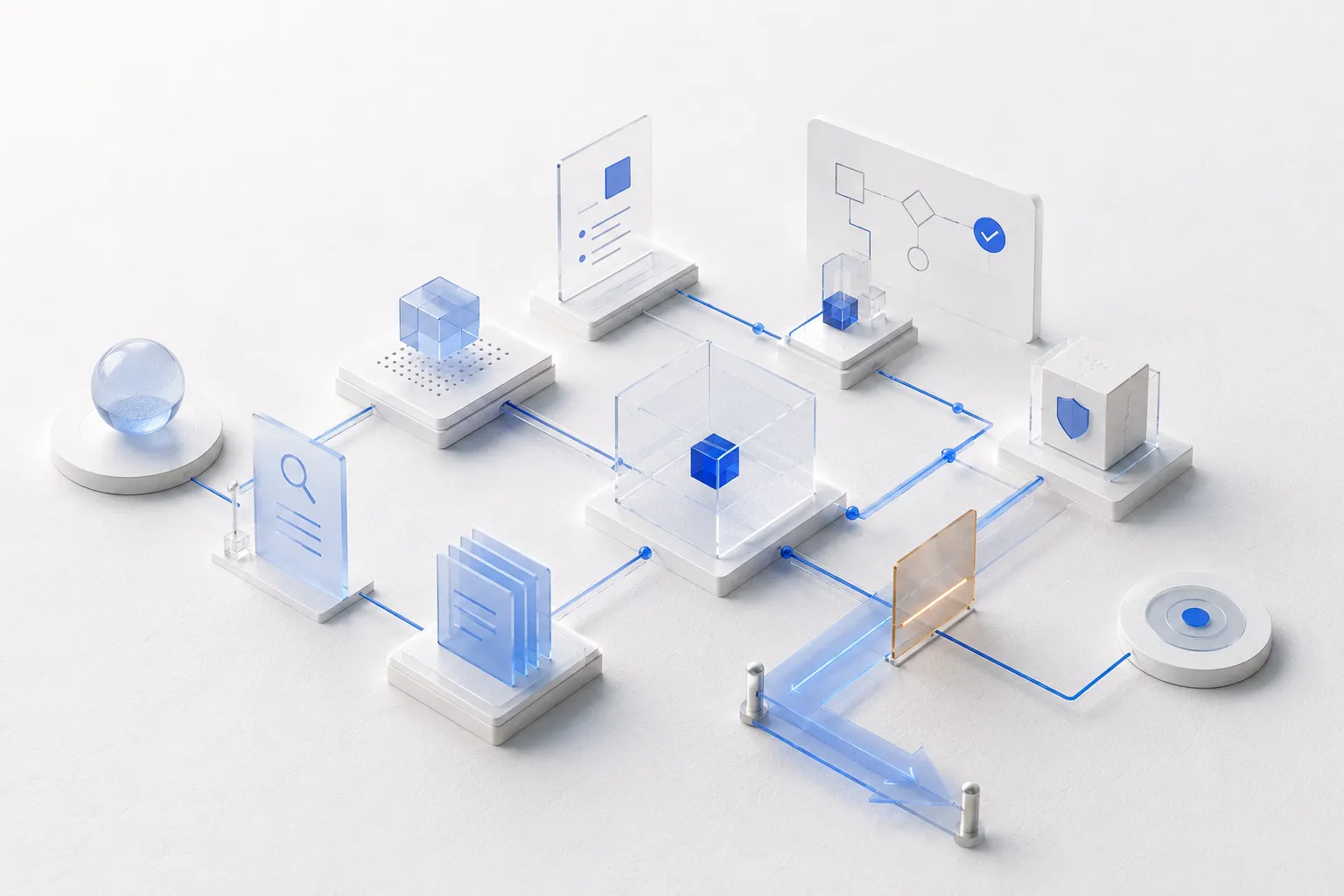
AI projects often become unnecessarily complex not because a model lacks capability, but because the wrong mode of work is used at the wrong time. An open chat is treated like a production engine. An agent receives autonomy while the problem space is still unstable. A project-management platform is configured before there is enough coordination to justify its overhead. Or a specialist application becomes the center of the project even though the real decision is still conceptual.
A useful distinction can be drawn here. Browser/chat work is associated with ideation, brainstorming, Deep Research, and concept development. Agentic systems become more relevant when planning turns into execution and when files, tools, and persistent project states matter. A second point is worth making too: project-management software is not automatically useful. For small, manageable projects, the system itself can create more work than it removes.
This leads to a durable rule:
The most powerful system does not win. The system with the best fit to the current project phase does.
This article turns that rule into a tool-routing method based on work logic rather than brands.
Three modes of work, not an endless tool list
The fastest way to lose orientation in AI work is to start with a catalog of products. There are specialized applications, models, agent interfaces, and automation systems for almost every activity. That list changes continuously.
A more stable distinction is to work with three modes.
1. Browser/chat work
Browser chat is an open space for thinking, dialogue, and research. It is especially useful when the problem itself is not yet fully structured.
Typical tasks include: opening and narrowing the problem space, developing questions, brainstorming and generating alternatives, initiating and evaluating Deep Research, comparing sources, drafting concepts, testing arguments and counterarguments, preparing decisions.
Its strength is rapid conversational iteration. A human can redirect the work, discard an assumption, or test a new perspective without rebuilding a workflow architecture.
2. Agentic work
Agentic systems become valuable when thinking turns into multi-step execution. They can manipulate files, invoke tools, decompose tasks, maintain intermediate states, and work toward a defined output over a longer sequence.
Typical tasks include: translating a robust plan into work packages, producing multiple artifacts systematically, editing files or repositories, running tests and iterating on failures, executing defined roles and reviews, documenting project state, repeating bounded work loops between gates.
Their advantage is not automatically "more intelligence." Their advantage is the ability to act across time, state, and tools.
3. Specialist tools
Specialist tools provide a domain or operational environment that a general-purpose chat should not pretend to replace. Examples include project boards, code repositories, design and 3D environments, data-analysis systems, automation platforms, and industry-specific applications.
They matter when the project needs an authoritative state. Tickets need a reliable home. Code needs version control. A design needs actual source files. Automations need triggers and logs. Data needs reproducible processing.
The practical question therefore becomes: Which mode should lead in this phase, and which two should merely support it?
Phase 1: Ideation — openness before execution
At the beginning of a project, uncertainty is not a defect. It is the material being worked on.
Perhaps there is only a rough idea. Perhaps the problem is understood but the target group is not. Perhaps five different solution paths appear plausible. In this situation, early automation is dangerous because it can rapidly turn an unstable assumption into many downstream artifacts.
Browser chat is usually the best lead environment.
Ideation needs fast changes of direction. Good questions matter more than persistent task states. Alternatives should be allowed to appear and disappear. The human should be able to say, "That assumption was wrong; reopen the problem space," without reconfiguring an execution system.
An agent is not useless here, but it should generally perform bounded research or exploration rather than "execute the project."
The routing question is simple: Do we need the system to do something reliably, or do we first need to discover what should be done?
When the second question dominates, openness matters more than autonomy.
Phase 2: Research — broad exploration, then controlled consolidation
Deep Research also starts as a browser-oriented activity. A proven method does not treat research as a single search. Results are read, gaps are identified, new questions are created, and further research follows.
Research is therefore not merely information retrieval. It is modeling the knowledge problem.
Browser work is useful for: open source landscapes, follow-up questions, alternative search directions, counter-research, hypothesis formation, early consolidation.
Once many documents accumulate, the mode should change. A specialist or structured knowledge environment becomes useful: folders, a database, a vault, reference management, or another persistent store. The browser remains the thinking space, but it should no longer be the only project memory.
The routing principle is: Open research in chat. Stabilize knowledge in a persistent structure.
Phase 3: Concept — browser work still leads
A concept is not yet a production plan. It consolidates research, requirements, alternatives, and plausibility checks into a defensible direction.
A common failure is to start implementation as soon as an AI produces a convincing solution. That skips the decision about whether the solution is actually the right one.
Concept work requires comparison: What alternatives exist? Which assumptions distinguish them? What is technically feasible? What is economically sensible? Which risks change the architecture? What is core and what is optional?
A dialogic environment remains valuable. Agents may support research, challenge assumptions, or compare alternatives, but conceptual leadership should remain flexible until the critical decisions are explicit.
Execution should become the dominant mode only when the concept is stable enough.
Phase 4: Planning — hybrid instead of either/or
During project planning, the balance changes.
Browser/chat remains useful for challenging assumptions, discussing priorities, and reviewing a plan from a management perspective. At the same time, agentic systems can begin to contribute strongly: concepts, sources, and requirements can be translated into phases, work packages, dependencies, and verifiable outputs.
In practice, planning is treated as iterative rather than one-shot: first plan, critique, refinement, adaptation to actual execution conditions.
Planning is therefore often a hybrid phase:
Browser: think, question, reframe.
Agent: structure, decompose, consolidate, generate artifacts.
Specialist tool: store the stabilized project state where tasks, versions, or dependencies genuinely need to be managed.
The mistake would be filling the specialist system too early. A weak plan does not become stronger because it is neatly represented on a board.
Phase 5: Execution — now the agent can lead
Once goal, scope, context, outputs, roles, and gates are sufficiently clear, the preferred mode changes significantly.
● Members only
Read the full article and download all files with a membership.
Unlock full article + downloads → Subscribe0 comments
● Loading comments…