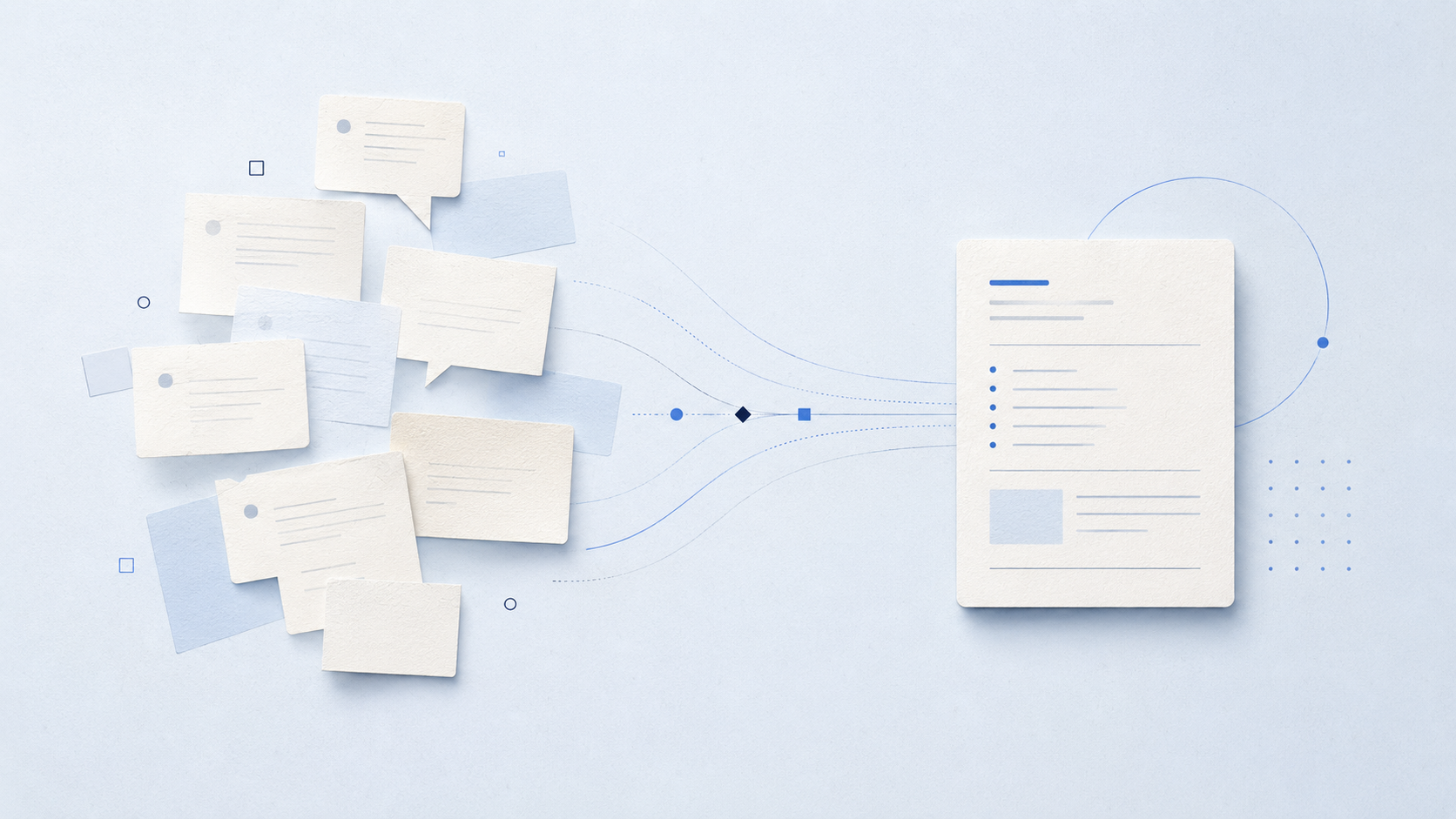
A messy conversation becomes a small, clear working note
Long chats often contain good ideas, decisions and formulations. The problem is that they sit between questions, corrections and discarded paths. Copying a chat carries its disorder forward. Migrating it turns it into something you can work with.
A chat is not a knowledge store
A conversation shows the route a task took. It contains doubts, detours and intermediate states. That makes it valuable, but rarely reusable as-is.
Knowledge does not emerge because a transcript is saved. It emerges when the transcript is turned into a form that makes decisions, material and next steps visible.
Decide first, then condense
Do not read an old chat asking, “What can I save?” Ask instead, “What still applies today?” Mark only four categories: decisions made, reliable artefacts, open points and useful wording. Everything else may remain history.
This selection is not a shortcut. It is a quality decision. A new working state becomes stronger when it does not have to carry every old turn.
Migration creates a new document
The aim is not a prettier chat log. It is a small, checkable working document. It states the goal, what is settled, which materials matter, what remains unclear and what should happen next.
That makes a conversation usable for you, a team or a new AI dialogue. The value is not the amount of text moved over, but the clarity of the hand-off.
The migration note
migration-note.mdmarkdown
# MIGRATION NOTE

**Goal**
We are working toward …

**Decisions**
Binding: …

**Artefacts**
Reuse: …

**Open points**
Still to clarify: …

**Next step**
Now we will: …
An old chat does not need perfect tidying. It is enough for its useful core to take a new, clear form. Then past conversation becomes actionable knowledge again.
Worksheet: Migrate an old chat
Choose a finished or stalled conversation. Create a short migration note that is understandable without the old transcript.
Mark what still applies. Collect only decisions that remain valid today.
Secure artefacts. List files, texts or links that should be reused.
Separate the open points. Write questions that have not been decided yet.
Start cleanly. Write the next step so a new chat can work with it immediately.
Both working materials for this article — the topic overview and the worksheet with a reflection space to fill in — are available for download here: