How a domain expert becomes a useful tool
A person is not automated; a clear slice of expert work is made accessible to others.
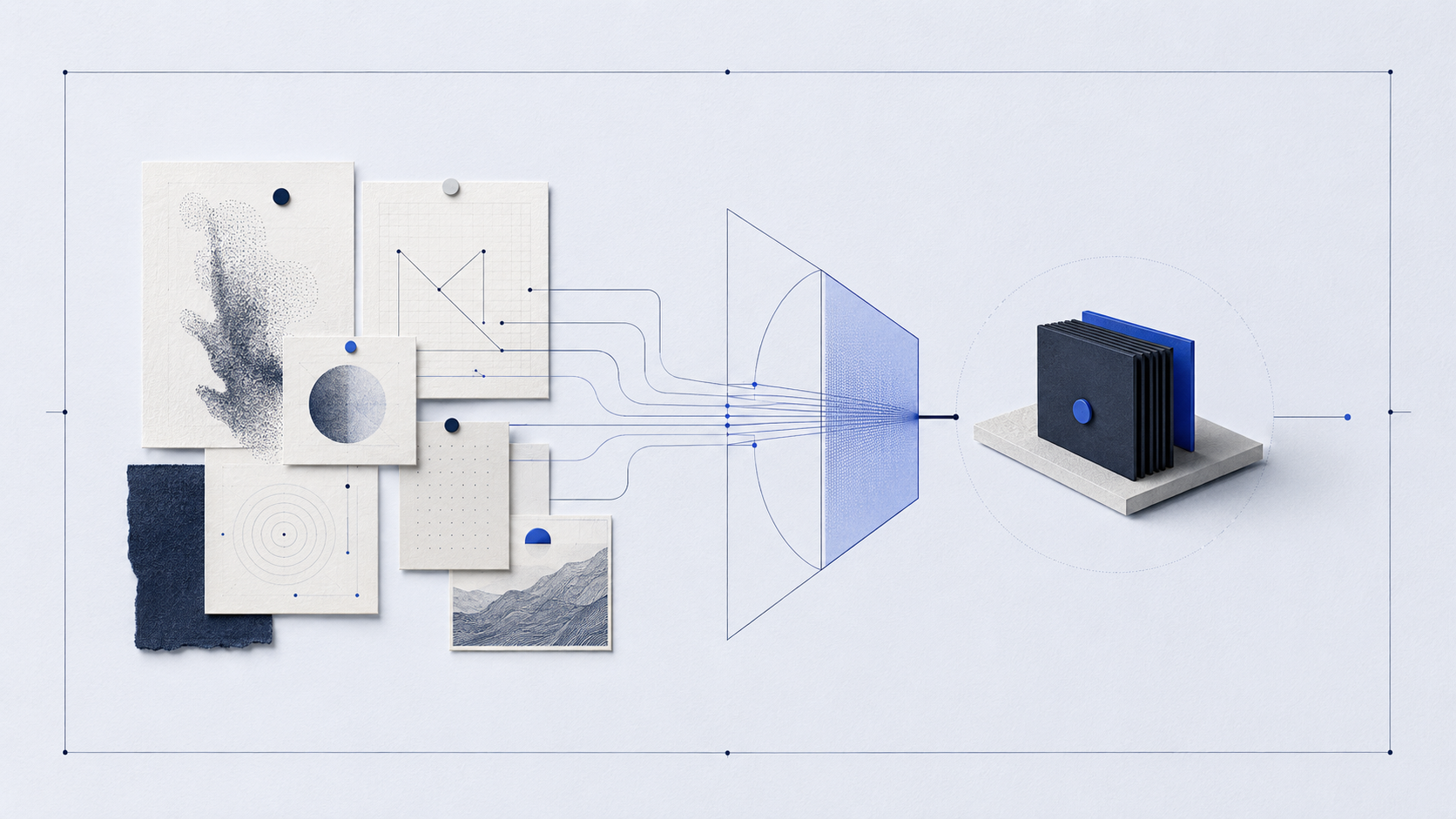
Many ideas for AI tools begin too broadly: „Build my expert clone." The better, more productive question is smaller: which recurring decision can a tool prepare well? A useful tool does not replace a person. It makes a bounded part of their knowledge visible, examinable and usable by others.
That difference decides between success and disappointment. A clone promises everything and delivers something approximate; a tool promises little and delivers it reliably. Starting small costs nothing — the slice can be widened later, once it has proven itself.
The person is not the product
Experts work with experience, context and responsibility. That is precisely why no one can be fully pressed into a tool. The attempt often produces generic answers with ambitious claims. A useful tool begins differently: it selects one concrete moment of work where people need orientation.
It may be the first assessment of a brief, the sorting of information or preparation of a draft. What matters is that the slice has a clear input and a recognisable outcome. The more precisely this moment is described, the less the tool has to perform a role — and the better it can perform a task.
The appeal of the clone lies in the wish to preserve experience. But experience shows in judgement, not in text volume. So a good tool transfers not the person, but one of their recurring decisions — the place where their judgement follows a recognisable pattern.
Good inputs lead to useful outputs
A tool is not made understandable by its name, but by its input and output. What must someone provide? What may the tool assume? And what appears at the end: questions, a structure, a reasoned recommendation or a reviewable draft? These three points are the actual blueprint.
Give inputs a shape. Instead of „Tell me everything about your project," an audience, source material and desired decision may be enough. Give outputs a shape as well. For example: name missing information first, then present two options with criteria, then suggest a next step. Form creates expectations — for users as much as for a system.
That form is also a promise to the user: they know what they must bring, and they know what comes back. A tool without a fixed output forces fresh interpretation on every use. A tool with a fixed output becomes a habit — and that reliability is the real benefit.
Expert knowledge needs visible boundaries
A good tool does not only show what it can do. It shows when it should not continue. Missing foundations, conflicting information or a decision with serious consequences are not edge cases. They belong to the design. A tool can ask, point toward review or deliberately withhold a recommendation.
This boundary is not a flaw. It makes a tool more trustworthy. Naming it protects not only the quality of the answer, but the expert behind it. The tool does not claim to know everything. It makes one useful, bounded kind of support reliably available.
A nutrition coach does not build „Ask the coach." She builds a tool for one moment: „Is this weekly plan balanced?" The input is the planned meals. The output first names what is missing (for instance allergy details), then shows two adjustments with reasons and suggests a next step. The expert rule watches the protein and fibre share. The boundary is clear: when a pre-existing condition is mentioned, the tool gives no recommendation but points to a conversation. It stays helpful without overreaching.
The first prototype is a learning instrument
The first draft does not need many features. It needs a real case, a clear input and an output someone can assess. Test it with a few different examples. Where does it ask too little? Where does it become too certain? Where is a rule, example or stop signal missing?
A tool grows not through feature lists, but through observed decisions. Each improvement answers a concrete question from use. Over time, it becomes not an artificial copy of an expert, but a precise tool that extends their way of working at a useful point.
Record the first observations the way you would record an expert rule. Every note — „it answered too early here" or „a question was missing there" — is already the next version. A prototype is not proof that the idea works; it is the fastest way to find out where it does not yet work.
The tool sketch
A single sketch holds the initiative together. It captures audience, situation, input and output, expert rule, boundary and a first test case on half a page — fill it in before you build.
# TOOL SKETCH

**For whom?**
People who …

**In which situation?**
When …

**Input**
They provide: …

**Output**
The tool delivers: …

**Expert rule**
It pays particular attention to: …

**Boundary**
It asks or stops when: …

**Test case**
A good first case would be: …
A useful tool is not a shortcut around expertise. It is expertise in a carefully chosen form. When inputs, outputs, rules and boundaries are clear, a small prototype can already make real work easier — without hiding the decision and responsibility that remain with people.
Worksheet: Sketch your first expert tool
Do not choose an entire profession or a large platform. Choose a recurring situation where your knowledge can give others orientation.
Choose the moment. Complete: „People need help when …" Describe a situation, not a whole field.
Describe input and output. List three pieces of information the tool needs and the form of a useful outcome.
Set one expert rule and boundary. Write a rule that makes your knowledge visible. Then add a situation where the tool should ask or stop.
Test with a real case. Write one first test case. Do not only ask whether the outcome sounds polished; ask whether it makes the next sensible action easier.
All materials to download — the topic overview and the worksheet:
● Members only
Read the full article and download all files with a membership.
Unlock full article + downloads → Subscribe0 comments
No comments yet — be the first.